
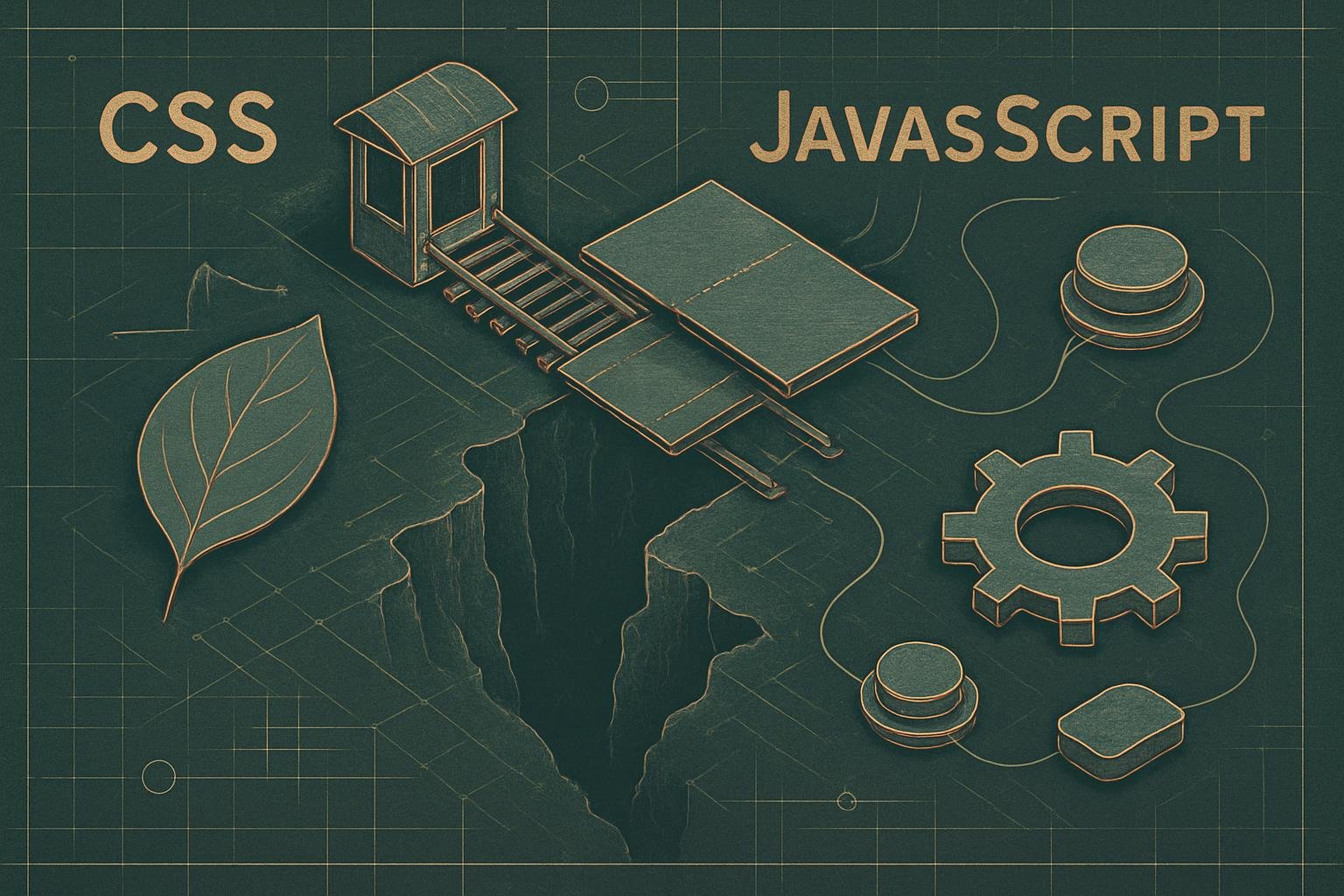
The Shifting Line Between CSS States and JavaScript Events
The capabilities of modern CSS have grown far beyond basic styling. Today, CSS can react to user interactions and system conditions in ways that used to require JavaScript, changing how teams architect front-end behavior. Understanding where CSS ends and JavaScript begins is now a strategic decision for both developers and business stakeholders.
This article explores how new CSS features are blurring the boundary between style and behavior, and how you can leverage them to build faster, more maintainable, and more secure interfaces.
Key Takeaways
- Modern CSS can now respond to many user interactions and state changes that previously required JavaScript event listeners.
- Pseudo-classes and new selectors like
:focus-visible,:has(), and:is()allow complex interaction patterns with less code. - Using CSS for interaction state where appropriate can improve performance, accessibility, and security by reducing JavaScript complexity.
- JavaScript is still essential for business logic and data handling, but should be reserved for scenarios that truly require it.
From Simple States to Rich Interaction
Traditionally, CSS interaction was handled through a small set of well-known pseudo-classes. Developers relied on these to change styles when users hovered, focused, or activated elements, while delegating everything more complex to JavaScript.
For many years, the dividing line was clear: CSS controlled how things looked, and JavaScript controlled what things did. That distinction is no longer as rigid.
The Classic CSS Interaction States
Most teams are familiar with the foundational interaction pseudo-classes:
- :hover – when a pointing device (like a mouse) is over an element
- :focus – when an element, usually a form control or link, has keyboard focus
- :active – while an element is being activated, such as during a mouse click
- :visited – for links that the user has already opened
These states cover basic interactive styling. For example, a button that changes color on hover or a link that looks different when focused. Anything more dynamic — such as multi-step menus, complex filters, or layout changes — was almost always implemented with JavaScript event listeners.
As CSS gains stateful and conditional capabilities, teams can move certain interaction patterns out of JavaScript and into stylesheets, simplifying codebases and improving performance.
Why This Matters for Businesses
For business owners, this evolution in CSS directly affects project timelines, maintenance costs, and long-term stability. Interactions that can be handled in CSS generally:
- Require less code and fewer dependencies
- Are easier to audit for accessibility and security
- Can be rendered faster because the browser optimizes CSS differently than JavaScript
This means cleaner architectures for developers, and more resilient user interfaces for businesses.
Modern CSS States: Beyond Hover and Focus
Recent CSS specifications introduce new pseudo-classes and capabilities that act like “built-in event listeners.” Instead of writing JavaScript to detect a condition and apply a class, CSS can directly respond to that condition.
Fine-Grained Focus with :focus-visible
The :focus-visible pseudo-class solves a long-standing usability issue: balancing keyboard accessibility with visual aesthetics. Previously, developers faced a trade-off:
- Always show focus outlines (great for keyboard users, visually noisy for mouse users), or
- Hide outlines and manually manage focus states (often harming accessibility)
With :focus-visible, the browser applies focus styling only when it determines the user is likely navigating by keyboard or other non-pointer methods. For instance:
button:focus-visible { outline: 3px solid #0056d6; }
Instead of writing JavaScript to detect input method and toggle a CSS class, you can let CSS handle this nuance. This reduces logic in your scripts while providing a better, more inclusive user experience.
:target for In-Page Navigation and Modals
The :target pseudo-class allows styling an element when its ID matches the URL hash. This is powerful for simple interactions that developers often reach for JavaScript to handle.
Common use cases include:
- Highlighting a section when a user clicks an in-page link
- Showing and hiding lightweight modal dialogs or drawers
- Creating tab-like interfaces with anchor links
For example, a modal pattern without JavaScript might look like:
- An anchor link
<a href="#modal">Open Modal</a> - A modal container with
id="modal" - CSS that displays
#modal:targetand hides it otherwise
This approach can be appropriate for simple interfaces, eliminating the need for event listeners such as click or hashchange in your JavaScript.
Conditional Logic in CSS with :has()
One of the most transformative additions to CSS is the :has() relational pseudo-class. Often described as a “parent selector,” it enables styling elements based on their descendants or even later siblings.
Where you once might have written JavaScript to:
- Check if an element contains a specific child
- Toggle a class on the parent based on that condition
- Attach event listeners to respond to nested changes
You can now express some of these patterns directly in CSS.
Interactive Components Without JS Toggling
Consider an accordion interface. The historical JavaScript approach:
- Listen for
clickevents on headings - Toggle a
.is-openclass on the parent - Use CSS to show or hide the associated panel based on that class
With :has(), you can let the browser track the state based on form controls or other attributes. For example, if each accordion item includes a checkbox that controls visibility:
.accordion-item:has(input[type="checkbox"]:checked) { border-color: #0056d6; }
No JavaScript is required to know which item is open — CSS reacts directly to the checked state. This pattern is especially useful when combined with semantic HTML and native form controls.
Form Validation Feedback Without Heavy Scripts
Modern browsers already support HTML5 validation and related pseudo-classes. Combined with :has(), form-level styling becomes easier:
form:has(:invalid) { border: 1px solid #dc3545; }form:has(input:focus) { box-shadow: 0 0 0 2px rgba(0,123,255,.25); }
Previously, you might have added submit and input event listeners to manage “error” and “valid” classes across form fields and containers. Now, CSS can reflect form states automatically, with JavaScript reserved for validation rules that truly exceed what the browser provides by default.
System and Environment States in CSS
CSS is not limited to user interactions; it also reacts to user preferences and device conditions. This overlaps with what JavaScript can detect via the window.matchMedia API.
Prefers-Reduced-Motion and Other Media Queries
Media queries such as prefers-reduced-motion and prefers-color-scheme allow interfaces to adapt automatically:
@media (prefers-reduced-motion: reduce) { /* minimize animations */ }@media (prefers-color-scheme: dark) { /* dark theme styles */ }
Instead of listening in JavaScript for changes to these preferences and toggling classes, you can express the behavior purely in CSS. The browser handles both the initial state and any changes, without additional script overhead.
Performance and Security Implications
From a performance standpoint, fewer JavaScript event listeners and DOM mutations often mean:
- Reduced main-thread work
- Faster initial page load
- Less jank during interactions
From a security and reliability perspective, moving non-essential logic into CSS reduces the surface area for bugs and vulnerabilities in your scripts. While CSS is not a security mechanism, simplifying the JavaScript layer can lower the risk of issues like race conditions, inconsistent states, or poorly handled edge cases.
When JavaScript Is Still the Right Tool
Despite these advances, JavaScript remains essential for:
- Business logic and calculations
- Network requests and API communication
- Complex state management (e.g., SPAs, dashboards, real-time apps)
- Data visualization and canvas/WebGL rendering
The new CSS capabilities are not a replacement for JavaScript, but a way to re-balance responsibilities. A practical approach is:
- Use CSS for purely visual state changes that map directly to user or system conditions.
- Use JavaScript for logic, data, and interactions that cannot be expressed with selectors or pseudo-classes.
- Keep the two layers loosely coupled, so design updates do not always require script changes.
Conclusion
The line between CSS states and JavaScript events is no longer fixed. Modern CSS can now “listen” to many kinds of interaction and environment changes on its own, reducing the need for boilerplate JavaScript and simplifying front-end architectures.
For businesses, this shift offers tangible benefits: leaner interfaces, better performance, improved accessibility, and easier long-term maintenance. For developers, it opens the door to more declarative, predictable code that leverages the browser’s strengths rather than re-implementing them in JavaScript.
The most effective teams will be those that deliberately decide which layer — CSS or JavaScript — should own each aspect of interaction, based not on habit, but on modern capabilities and clear architectural goals.
Need Professional Help?
Our team specializes in delivering enterprise-grade solutions for businesses of all sizes.
Explore Our ServicesShare this article:

Need Help With Your Website?
Explore website design, managed hosting, SEO, and practical digital support for your business.
Request a Quote